Job Simulator Tips & Guides – Complete VR Strategy Manual
Job Simulator is a physics-driven virtual reality experience where you perform exaggerated versions of everyday professions in a world run by robots. While it appears casual and comedic on the surface, efficient task flow, interaction control, and environmental awareness significantly improve performance and enjoyment.
This guide walks through every major stage of the game chronologically — from understanding VR interaction fundamentals to mastering each job role and unlocking all hidden elements. Whether you're new to VR or aiming for full completion, this structured manual provides actionable strategies.
1. Understanding Core VR Interaction Mechanics
Before starting any job, mastering movement and interaction physics is essential.
Grabbing and Object Control
The physics system is highly reactive. Objects respond naturally to motion speed and angle.
Key tips:
- Use controlled wrist movement instead of fast arm swings.
- Grab items from the center for stability.
- Avoid stacking too many loose objects in one hand.
Precision reduces unnecessary chaos.
Workspace Awareness
Every job environment contains:
- Interactive props
- Hidden collectibles
- Optional chaotic tools
Organize your workspace early. Clean layouts improve efficiency later.
2. Starting as an Office Worker
The Office Worker role introduces core mechanics.
Task Completion Strategy
You will:
- Type on a keyboard
- Stamp papers
- Organize files
- Use a computer
Focus on sequence flow:
- Read instruction
- Prepare tools
- Execute task
- Clear space
Avoid throwing items randomly — clutter slows progression.
Optional Chaos vs Efficiency
The game allows you to:
- Shred everything
- Throw objects
- Set items on fire
While fun, controlled experimentation helps uncover hidden interactions faster.
3. Efficient Cooking in Gourmet Chef Mode
Chef mode introduces multi-step processes.
Preparation Before Execution
Before starting:
- Lay out ingredients
- Preheat appliances
- Clear excess props
This prevents accidental fires and ingredient loss.
Managing Kitchen Hazards
Avoid:
- Overheating food
- Dropping items behind counters
- Activating multiple appliances simultaneously
VR spatial awareness is critical in this role.
4. Mastering Store Clerk Mode
Retail simulation focuses on scanning, stocking, and customer interaction.
Transaction Efficiency
Process:
- Scan items carefully
- Insert into bag area
- Accept payment
- Return change
Keep money organized in one location.
Handling Customer Requests
Customers may:
- Ask for random items
- Create unusual scenarios
- Request refunds
Stay calm and follow instructions exactly. Rushing increases mistakes.
5. Becoming a Mechanic
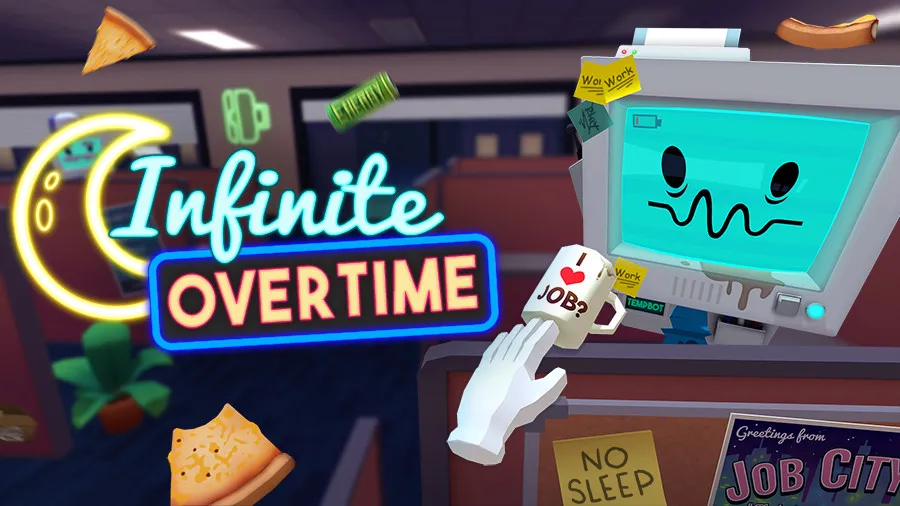
Auto Mechanic mode introduces disassembly mechanics.
Step-by-Step Car Service
General structure:
- Remove faulty part
- Install new part
- Test functionality
Keep removed parts in a designated corner to avoid confusion.
Tire & Engine Replacement Tips
When changing tires:
- Remove bolts fully
- Pull tire straight out
- Insert replacement firmly
Engine swaps require careful alignment. Use slow, controlled placement.
6. Managing Chaos in Sandbox Mode
Sandbox mode removes structured objectives.
Creative Interaction
Experiment with:
- Stacking objects
- Throwing physics items
- Combining tools
But maintain workspace control to avoid losing objects out of reach.
Object Retrieval Strategy
If items fall:
- Check floor boundaries
- Move physically within VR play area
- Reset environment only as last resort
7. Unlocking Hidden Content & Collectibles
Throughout all jobs, hidden cartridges unlock extra content.
How to Find Them
Search:
- Inside drawers
- Behind monitors
- Under counters
- Inside machines
Interact with every suspicious object at least once.
Cartridge Completion Strategy
Replay jobs and deliberately:
- Break routine
- Try unusual tool combinations
- Trigger unexpected reactions
Exploration is rewarded.
8. Improving VR Comfort & Control
Since Job Simulator is VR-exclusive, comfort settings matter.
Reduce Motion Fatigue
- Stand in stable posture
- Avoid rapid arm swings
- Take short breaks between jobs
Controller Precision
Use:
- Small wrist rotations
- Centered grip positioning
- Smooth grab-release timing
Controlled movement improves immersion.
9. Speedrunning & Efficiency Techniques
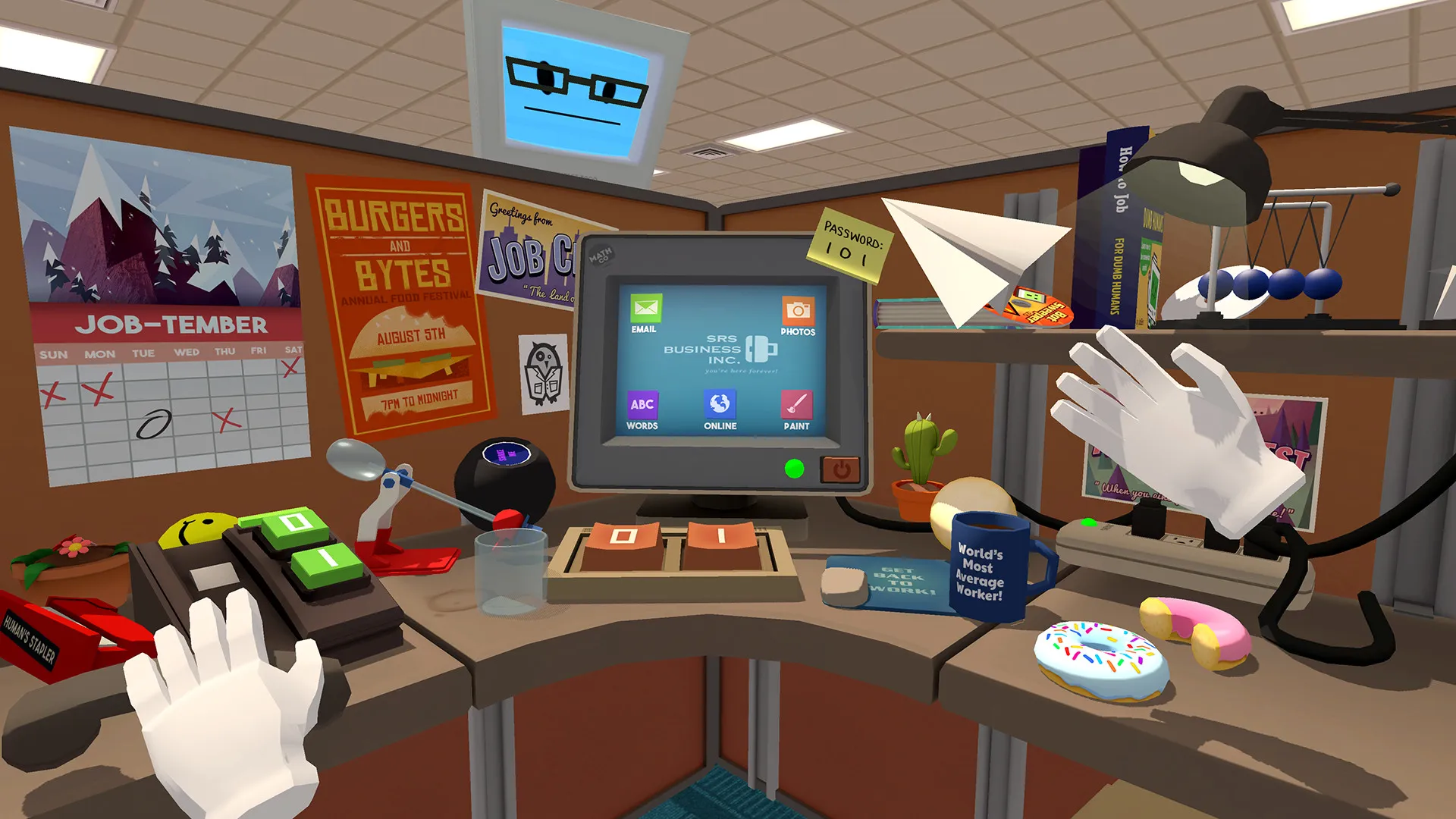
For advanced players aiming to complete jobs quickly:
Task Batching
Prepare multiple steps simultaneously.
Example:
- Place all required objects nearby before starting a task sequence.
Minimize Redundant Motion
Keep frequently used items:
- Within arm’s reach
- Organized in consistent positions
Efficiency improves dramatically with layout memory.
10. Full Completion Strategy
To fully experience Job Simulator:
Replay Every Role
Each job contains:
- Alternative endings
- Hidden interactions
- Easter eggs
Experiment beyond instructions.
Balanced Playstyle
Combine:
- Structured objective completion
- Controlled chaos
- Exploration
The game rewards curiosity more than strict obedience.
Conclusion
Job Simulator succeeds because it turns mundane professions into exaggerated, physics-driven VR playgrounds. While it appears simple, mastery comes from efficient interaction control, spatial awareness, and structured task flow.
Players who approach it strategically will experience smoother progression, unlock hidden content faster, and enjoy a more immersive virtual environment.